What is Docassemble?
Docassemble is an open-source platform used to create interactive web applications called “interviews.” These interviews guide users through a series of questions, gathering information and making decisions based on the user’s input. Docassemble can then utilize this information for various purposes, including:
Table of Contents
ToggleÂ
Generating documents: Automating document assembly like contracts, applications, or legal forms.
Providing personalized advice: Tailoring information or recommendations based on user responses.
Submitting data: Submitting information collected through the interview to external systems.
Facilitating workflows: Guiding users through specific processes or procedures.
Microsoft Azure Cloud Services
Â
Microsoft Azure empowers you with a comprehensive cloud computing platform, offering a diverse suite of services readily available on demand. Access, manage, and deploy your applications seamlessly across a network of globally distributed data centers.
Spectrum of Possibilities:
-
Run any workload: Choose from virtual machines, containers, or serverless functions for optimal application execution.
-
Securely store your data: Benefit from a range of storage options including blob storage, file storage, and disk storage, catering to various data needs.
-
Manage with ease: Leverage cloud-based databases like Azure SQL Database or explore managed open-source alternatives for flexible database management.
-
Build robust networks: Design secure and scalable networks with virtual networks, firewalls, and load balancers, ensuring seamless connectivity.
-
Derive valuable insights: Utilize big data processing and machine learning tools to uncover valuable insights hidden within your data.
-
Embrace AI and ML: Effortlessly build, deploy, and manage AI and ML models to unlock the power of intelligent automation.
Looking to integrate DocAssamble in your product?
Azure delivers several compelling advantages:
Â
Effortless scaling: Adapt resources seamlessly to meet your application’s fluctuating demands.
Cost-efficiency: Pay only for the resources you utilize, optimizing your budget.
Enhanced security: Leverage Azure’s robust security features to safeguard your data and applications with confidence.
Global reach: Deploy your applications in data centers worldwide, ensuring wider accessibility and a superior user experience.
Â
Benefits of Using Azure for Docassemble
Â
Using Azure for Docassemble offers several benefits:
Scalability: Azure provides a scalable platform for hosting Docassemble, allowing you to adjust resources based on your needs. This flexibility is crucial for handling varying workloads efficiently
Reliability: Azure’s infrastructure ensures high availability and reliability for your Docassemble instance. This reliability is essential for uninterrupted access to your legal document automation system
Integration: Docassemble integrates seamlessly with Azure services like Azure Blob Storage, enhancing its functionality and enabling efficient data storage and retrieval
Cost-Effective: While there are costs associated with hosting a server on Azure, the pricing is competitive, starting from as low as $10 to $40 per month depending on your performance and support requirements
Security: Azure offers robust security features, ensuring that your Docassemble deployment is protected against potential threats and vulnerabilities, safeguarding sensitive legal documents and data.
Don’t let manual document creation hold you back. Explore the possibilities with DocAssemble
Looking to integrate DocAssamble in your product?
Setting Up Docassemble on Azure
Â
To install Docassemble on Azure, follow these steps:
-
Register for an Azure Account and sign in to manage your subscription
Â
-
Choose a suitable Azure region, such as East US 2, where you want to host your Docassemble instance
Â
-
Create a resource group within your chosen Azure region
Â
-
Create a new App Service Plan with the necessary resources, such as CPU cores and memory, required for Docassemble
Â
-
Create a new App Service within your resource group, specifying the App Service Plan you created earlier
Â
-
Configure the App Service with the necessary settings, including the URL, scaling rules, and authentication methods
Â
-
Upload the Docassemble code to the newly created App Service
Â
-
Test the installation by visiting the URL of your App Service in your web browser
Experience the power of streamlined document creation with DocAssemble.
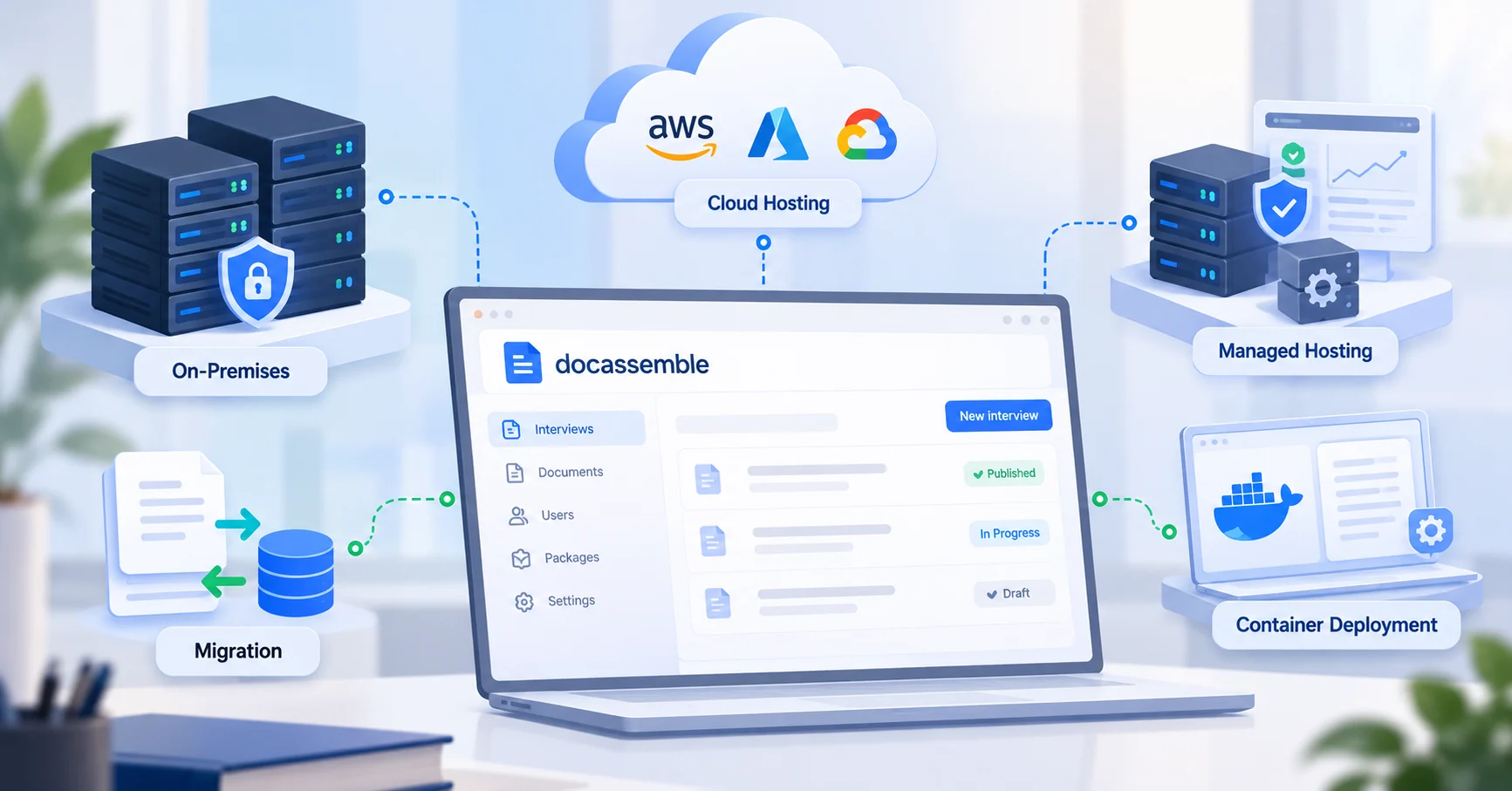
Choosing Docassemble hosting and deployment? Compare managed, cloud, and self-hosted options, with practical guidance on security, backups, support, and costs.
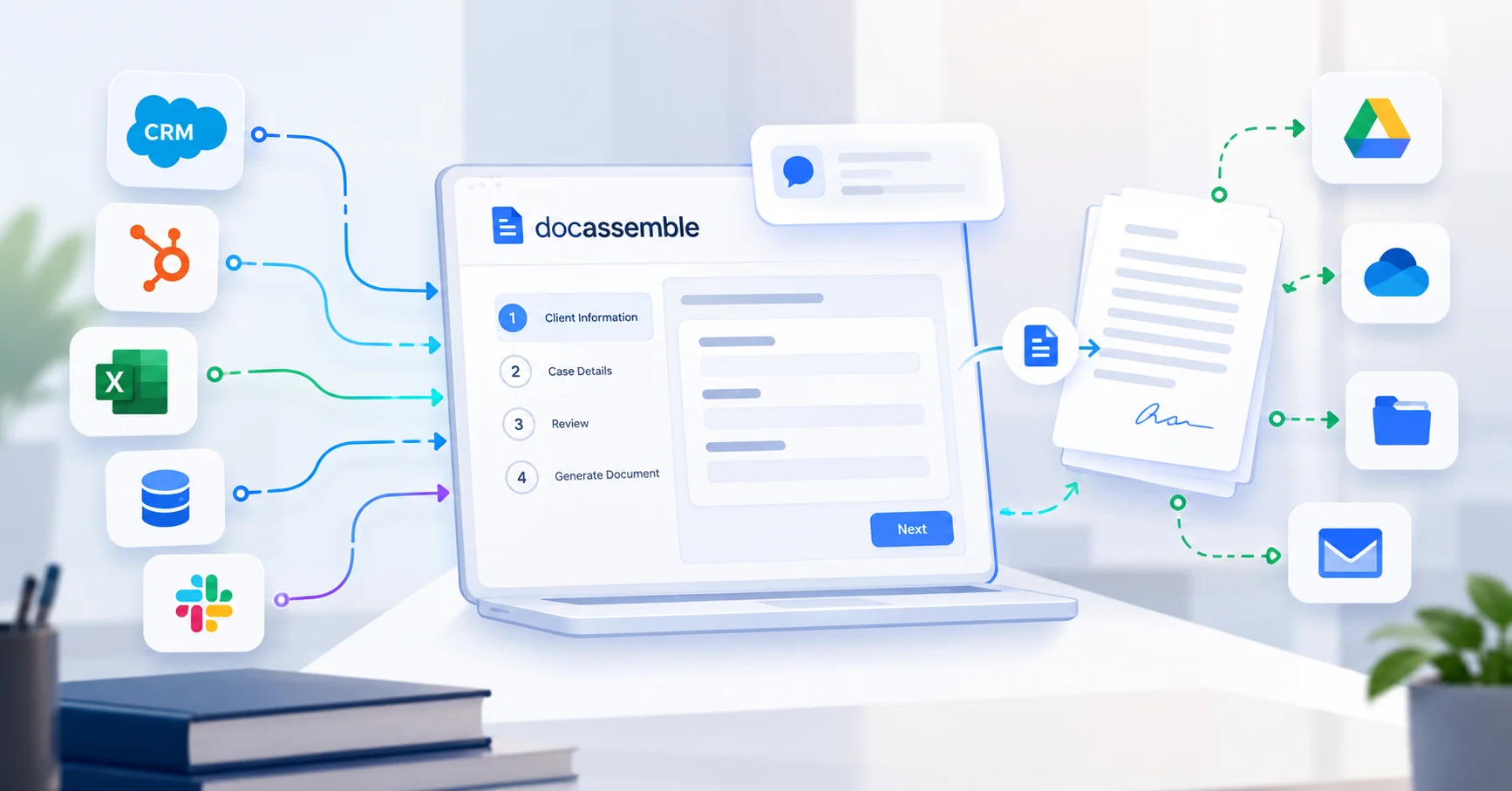
Connect Docassemble with your CRM, case management, document storage, and e-signature tools. Explore practical workflows, security, steps, and cost factors.

Build guided legal interviews with Docassemble. Learn how to plan questions, add conditional logic, generate documents, and test your legal intake workflow.