How Docassemble Development Saves Time in Legal Tech Workflows
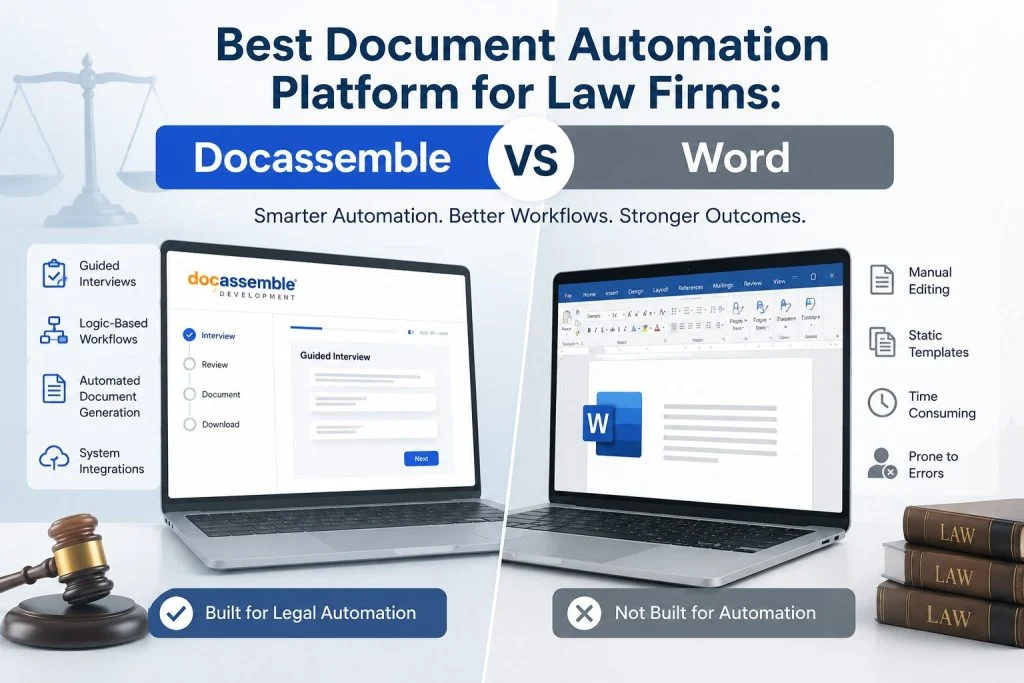
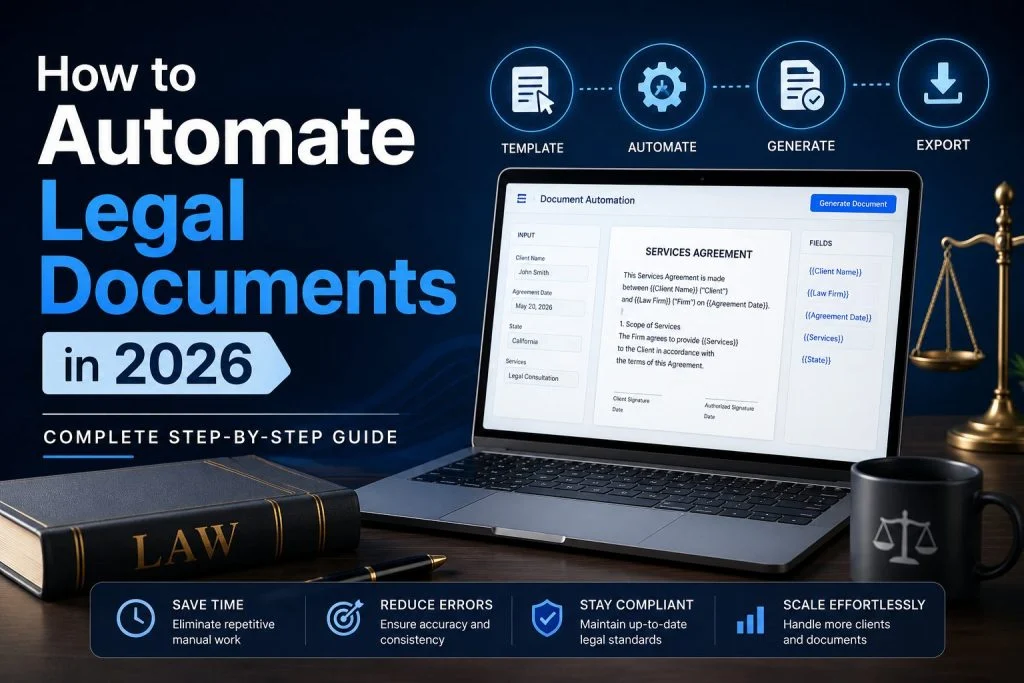
Introduction If you’ve ever watched a legal team rebuild the same intake form, chase missing details over email, then manually copy-paste those answers into a Word template… you already know where time disappears. It doesn’t vanish in one dramatic place. It leaks out through small, repeated steps—every new matter, every new client, every new deadline. That’s exactly what Docassemble Development fixes. Docassemble is an open-source platform for guided interviews and document assembly—built on YAML + Python + Markdown—so you can collect structured inputs once and generate consistent outputs (PDF, DOCX, RTF) every time.For US law firms and legal aid organizations, that means faster intake, fewer errors, and workflows that are repeatable across practice areas—without relying on “tribal knowledge” or endless template editing. Where legal workflows waste time (and why it keeps happening) Most legal teams don’t have a “time problem.” They have a “repeat work problem.” Common workflow bottlenecks: These steps aren’t just slow—they’re risky. They create rework, confusion, and avoidable mistakes. What “Docassemble development” actually means in practice Docassemble isn’t a single template or a plug-and-play form builder. Think of it like a “workflow engine” for legal processes. With Docassemble Development, you build: Docassemble interviews are written in YAML and can include Python modules for more advanced logic. The real “time savings” comes from one idea: capture once, reuse everywhere Here’s the core value: you ask for information once, then Docassemble reuses it across the entire workflow. Example: Immigration / family law / landlord-tenant intake Instead of: You get: That shift saves time in 3 ways: Workflow upgrades law firms and legal aid teams can feel immediately 1) Smart intake that doesn’t feel like paperwork Docassemble can run as a web-based interview (what many people casually call a docassemble app) that asks one question at a time, adapts based on answers, and prevents missing fields early. 2) Built-in branching for real-world complexity Your workflow isn’t linear. Docassemble doesn’t force it to be. You can branch on: 3) Consistent documents (with less attorney cleanup) When every document is assembled from the same structured inputs, your drafts stop being “first drafts that need a rewrite” and become “review drafts that need decisions.” 4) Faster scaling across teams and locations Legal aid organizations often need the same workflow across multiple offices and volunteers. Docassemble enables standardization while still allowing localized rules. Where Docassemble automation delivers the biggest ROI (US context) Intake + eligibility (especially for legal aid) Guided eligibility logic can reduce staff time spent triaging and ensure clients land in the right pathway. Court forms + packets Many matters require multiple documents that reuse the same facts. Automation prevents retyping and keeps packets consistent. High-volume practice areas If you do a lot of similar matters (tenant letters, expungements, simple motions, demand letters, small claims, payment plans), automation stacks savings fast. Multi-user workflows Docassemble can be designed for multi-role collaboration (client → intake staff → attorney review), which matters when teams share workloads. Common mistakes that reduce time savings A good legal automation build treats interviews like software: scoped, tested, documented, and maintained. FAQs 1) Is Docassemble only for legal aid? No. Legal aid uses it heavily, but law firms use docassemble for intake, demand letters, pleadings, client communications, and repeatable workflows—especially where accuracy and speed matter. 2) How long does it take to build a Docassemble workflow? A simple intake + one document can be built quickly. More complex workflows (multi-jurisdiction rules, multiple docs, integrations) take longer because the logic and testing matter more than the template itself. 3) Can Docassemble generate PDF and DOCX? Yes. Docassemble supports generating documents in formats like PDF, DOCX, and RTF based on interview answers. 4) What’s the difference between “docassembly” and docassemble? “Docassembly” is often used as a casual term for document assembly/document automation. docassemble is the specific open-source platform that powers guided interviews and document generation. 5) Can we integrate using a docassemble api approach? Yes—many teams integrate Docassemble with existing systems (CRMs, client portals, payments, e-sign, identity). The exact approach depends on your deployment and data flow goals, but integration is a common reason firms invest in custom Docassemble Development. 6) Will attorneys still need to review documents? Yes—and that’s a good thing. Automation should remove repetitive drafting, not legal judgment. The goal is to turn “drafting from scratch” into “reviewing a reliable draft.
How Docassemble Development Saves Time in Legal Tech Workflows Read More »