Docassemble vs Low-Code Form Builders: When Do You Need a Specialist Development Team?
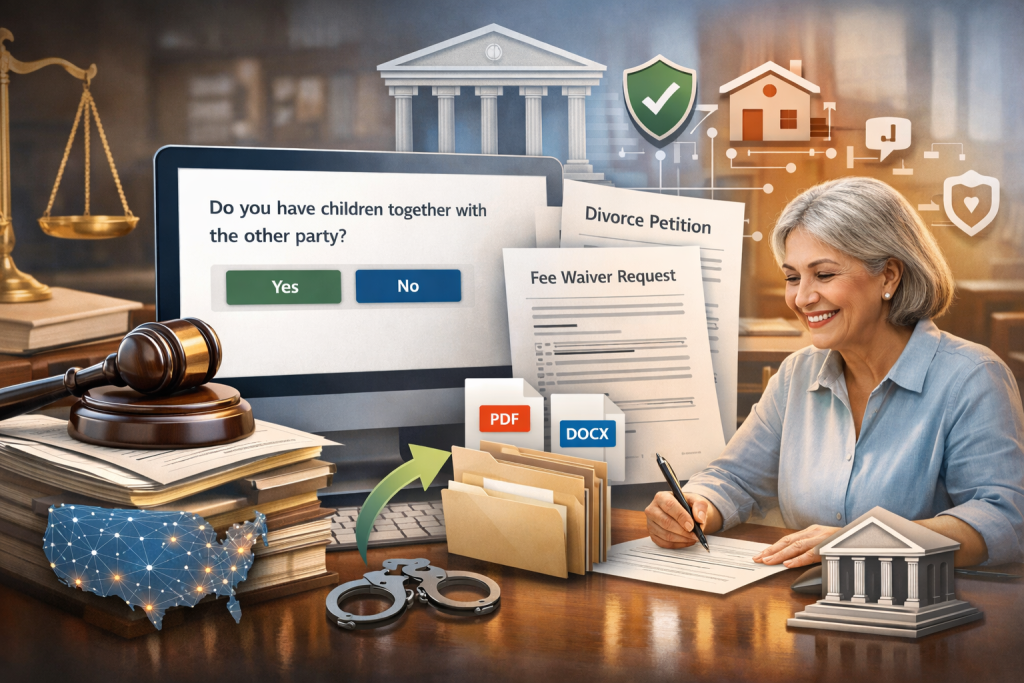
Legal teams today are under pressure to move faster, reduce costs, and deliver consistent outcomes—without compromising accuracy or compliance. That’s why document automation has become a core part of modern legal operations. But once you start exploring automation, a critical question quickly comes up: Should you use a low-code form builder—or invest in Docassemble with a specialist development team? At first glance, both may look like they solve the same problem. In reality, they are built for very different levels of complexity, scale, and legal responsibility. This guide breaks down the difference clearly—so you can make the right decision for your use case. The Rise of Low-Code Form Builders in Legal Teams Low-code and no-code form builder software has exploded in popularity over the last few years. Tools like Jotform, Typeform, Google Forms, and similar form automation tools are attractive because they promise: For basic workflows—intake questionnaires, simple surveys, or static data collection—these tools absolutely have their place. For example: If your requirement stops there, a form builder may be more than enough. But legal workflows rarely stay simple for long. Where Low-Code Form Builders Start to Break Down The moment your workflow involves logic, rules, legal calculations, or jurisdiction-specific conditions, most form builders start showing their limits. Common challenges include: This is where many legal teams realize that a form is not the same as a legal automation platform. And this is where Docassemble comes in. What Makes Docassemble Fundamentally Different? Docassemble is not just another form tool. It is a full-fledged legal automation platform built specifically for complex, rules-driven workflows. At its core, Docassemble allows you to: Unlike drag-and-drop builders, Docassemble behaves more like a programmable system—designed for real legal work, not just data collection. Docassemble vs Form Builders: A Practical Comparison Here’s a real-world comparison that legal teams immediately relate to: Use Case: Divorce Petition Automation With a form builder: With Docassemble: This is why the debate around docassemble developer vs form builder is not about preference—it’s about capability. When a Form Builder Is Enough Let’s be clear—there are scenarios where a form builder is the right choice: If the output is just data—not legally enforceable documents—low-code tools can save time and money. When You Need a Docassemble Specialist Development Team Now let’s talk about the turning point—when DIY tools stop working. You need a docassemble developer or specialist team when your automation involves: 1. Complex Legal Logic If your workflow depends on statutes, thresholds, exceptions, or jurisdiction-specific rules, Docassemble’s Python-based logic is essential. 2. True Document Assembly Docassemble is purpose-built for document assembly tools, not just form submission. Documents adapt dynamically based on answers—not templates with placeholders. 3. Multi-User & Role-Based Workflows Court staff, attorneys, clients, reviewers—each can have different permissions and paths in a Docassemble interview. 4. Compliance, Accuracy & Risk Reduction Legal automation isn’t forgiving. A missed condition can invalidate a document. Specialist teams ensure your logic is tested, reliable, and compliant. 5. Scalability & Long-Term Maintenance What works for 10 users may fail at 10,000. A specialist team builds with scale, hosting, security, and updates in mind. This is the real difference in the docassemble developer vs form builder conversation. A Quick Technical Look: Why Docassemble Is More Powerful Here’s a simplified example that shows why Docassemble goes far beyond form builders. This kind of rule-driven logic—based on real legal requirements—is almost impossible to implement safely in generic form automation tools. Docassemble lets you combine: That’s why it’s trusted by courts, legal aid organizations, and law firms worldwide. The Hidden Cost of “Quick” Form Builders Many teams start with low-code tools to save money—but end up paying more later. Common issues we see: In contrast, investing early in a proper legal automation platform like Docassemble—built by specialists—creates long-term savings, reliability, and confidence. Choosing the Right Path for Your Organization Ask yourself these questions: If the answer is “yes” to any of the above, a form builder is likely a temporary fix—not a solution. Why Work With a Specialist Docassemble Development Team? Docassemble is powerful—but that power comes from correct architecture, clean logic, and deep legal understanding. A specialist team brings: This is not just development—it’s legal systems engineering. Final Thoughts Low-code form builders are great for simple tasks. But when legal accuracy, logic, and document integrity matter, they fall short. The choice between docassemble developer vs form builder is ultimately about seriousness of use. If you’re automating real legal work, Docassemble—built by specialists—is not overkill. It’s the right tool for the job. FAQ 1. Is Docassemble harder to use than a low-code form builder? At first glance, yes—Docassemble does have a learning curve compared to drag-and-drop form builders. But that’s because it’s designed to handle real legal logic, not just collect answers. While form builders focus on ease, Docassemble focuses on accuracy, rules, and outcomes. With a specialist development team, most of the complexity stays behind the scenes, and end users get a smooth, guided experience. 2. When does a form builder stop being enough for legal workflows? A form builder usually falls short when your workflow includes conditional legal rules, jurisdiction-specific requirements, calculations, or document generation. If you’re manually fixing outputs, double-checking logic, or recreating documents after submission, that’s a clear sign you’ve outgrown basic form automation tools and need a more robust solution like Docassemble. 3. Do I really need a Docassemble developer, or can my team manage it in-house? Some teams can manage simple Docassemble interviews internally—but as soon as workflows grow complex, a Docassemble developer becomes critical. Specialists understand how to structure interviews, apply Python logic correctly, manage document templates, and ensure long-term maintainability. This prevents errors, saves time, and avoids costly rebuilds later. 4. Is Docassemble only for courts and legal aid organizations? Not at all. While courts and legal aid organizations use Docassemble heavily, it’s also ideal for law firms, compliance teams, government departments, and legal tech startups. Any organization that relies on structured legal documents, repeatable workflows, and rule-based decision making can benefit from Docassemble.
Docassemble vs Low-Code Form Builders: When Do You Need a Specialist Development Team? Read More »



 English